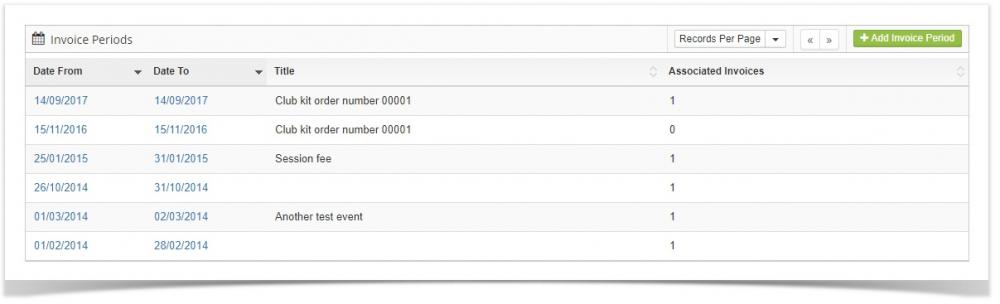

Invoice Periods
All invoices that you create must be created with what is known as an invoice period. You set the following fields:
Date from and date to (so that you can invoice for a month's fees for example)
Invoice type (whatever you like, add these under "Setup > Finance > Invoice Types")
Account Code - This code is used if your users pay the invoice via credit/debit card
Invoice club groups* - This will invoice all members in the group you select
Invoice club sessions** - This will invoice all members assigned to the session you select
Invoice club fees - This will invoice all members assigned to the fee you select
* It will only invoice members that have the "Receive group invoices" check box checked
** It will only invoice members that have the "Receive session invoices" check box checked. Also if you have added any dates to the "No session dates" field on the specific session you select, any sessions that fall on those dates will not be included on the invoice.
The system will then loop through all the members that fit into any of the criteria you select (group, session etc) and create one invoice each.