

Sessions
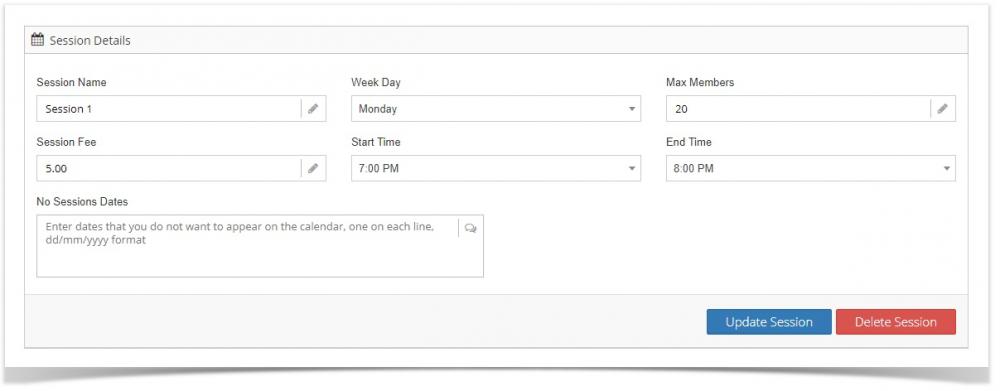
Enter all of your club sessions here. Sessions have the following required fields:
Session name
Week day
Session fee (enter 0 if no fee applies)
Start time
End time
To add sessions to members, view their account page, click on the sessions tab and click the "Add Session" button.
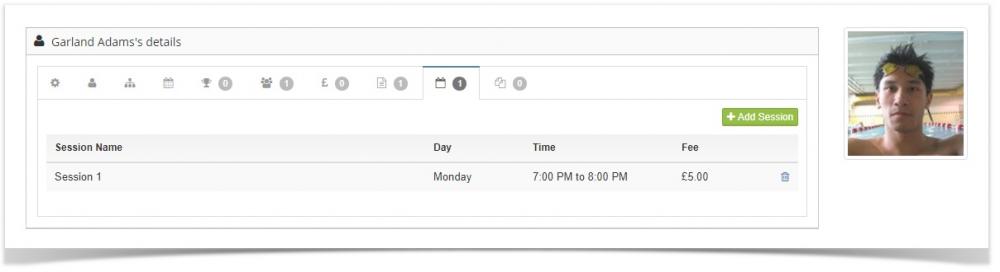
You can add as many sessions to members as you require.
When you add sessions they are automatically displayed on the club calendar.
If you want a session to NOT appear on any given date, view the session in question and enter the date in the "No Session Dates" field in dd/mm/yyyy format.