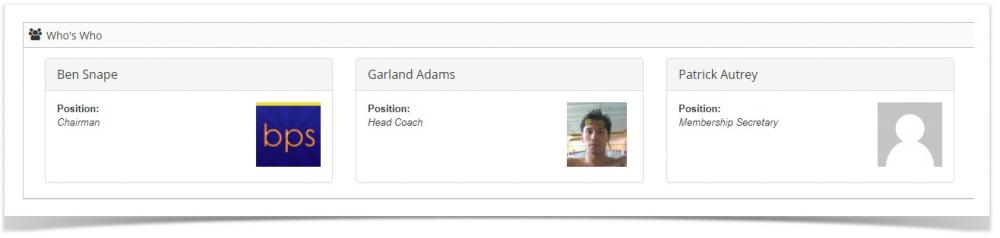

Who's Who
To add members to the who's who page, view their account page and click on the "In Who's Who" check box.
Enter their job title in the "Job Title" box.
There are 2 ways to add user's photos
The system uses the Gravatar service. If a member has an avatar registered to their email address in the Gravatar system, Manage My Club will display that avatar.
You can upload a photo via the member's account page. If you upload a photo and the user also uses Gravatar, the uploaded photo will display.